> ## Documentation Index
> Fetch the complete documentation index at: https://docs.chronosphere.io/llms.txt
> Use this file to discover all available pages before exploring further.
# Chronosphere Telemetry Pipeline v2
export const PipelineOverviewImage = ({alt = "Pipeline Overview", className = "", ...props}) => {
return <>
 ;
};
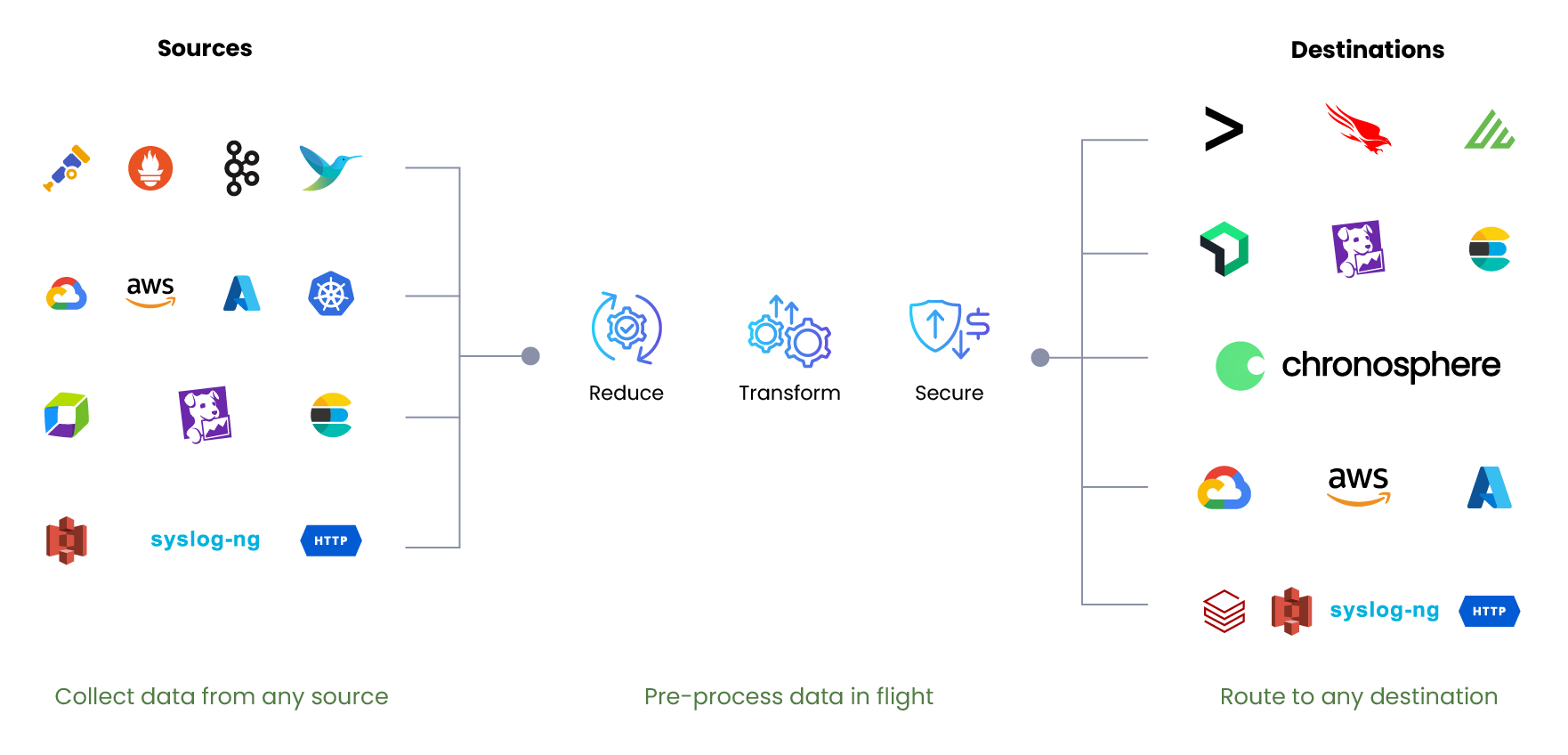
Chronosphere Telemetry Pipeline v2 lets you control your observability data's journey
from collection to processing to routing.
**** Telemetry Pipeline v2 deploys on your infrastructure
to streamline the way you process logs, metrics, events, traces, and security data.
* Run Telemetry Pipeline v2 in a
[Kubernetes cluster](/ingest/pipeline/v2/install/install-operator/kubernetes-cluster)
or any [Linux](/ingest/pipeline/v2/install/install-operator/linux) environment,
including virtual machines.
* Automate pipeline management through [resource profiles](/ingest/pipeline/v2/configure/resource-profiles),
[autoscaling](/ingest/pipeline/v2/configure/scaling), and [rollback](/ingest/pipeline/v2/configure/history-rollback).
**** You can make decisions about how to collect,
aggregate, and format your telemetry data, and then discard any data you don't need.
* Use [parsers](/ingest/pipeline/v2/build/parsers) to add structure to unstructured data.
* Build [processing rules](/ingest/pipeline/processing-rules) using a library
of predefined, configurable actions, or write your own
[custom Lua scripts](/ingest/pipeline/processing-rules/custom-lua).
**** Pipelines let you connect any source with any
destination to send your telemetry data wherever you need it to go.
* Work with out-of-the-box [plugins](/ingest/pipeline/plugins) for popular [sources](/ingest/pipeline/plugins/source-plugins)
and [destinations](/ingest/pipeline/plugins/destination-plugins).
* Take advantage of open standards, like Prometheus and OpenTelemetry.
;
};
Chronosphere Telemetry Pipeline v2 lets you control your observability data's journey
from collection to processing to routing.
**** Telemetry Pipeline v2 deploys on your infrastructure
to streamline the way you process logs, metrics, events, traces, and security data.
* Run Telemetry Pipeline v2 in a
[Kubernetes cluster](/ingest/pipeline/v2/install/install-operator/kubernetes-cluster)
or any [Linux](/ingest/pipeline/v2/install/install-operator/linux) environment,
including virtual machines.
* Automate pipeline management through [resource profiles](/ingest/pipeline/v2/configure/resource-profiles),
[autoscaling](/ingest/pipeline/v2/configure/scaling), and [rollback](/ingest/pipeline/v2/configure/history-rollback).
**** You can make decisions about how to collect,
aggregate, and format your telemetry data, and then discard any data you don't need.
* Use [parsers](/ingest/pipeline/v2/build/parsers) to add structure to unstructured data.
* Build [processing rules](/ingest/pipeline/processing-rules) using a library
of predefined, configurable actions, or write your own
[custom Lua scripts](/ingest/pipeline/processing-rules/custom-lua).
**** Pipelines let you connect any source with any
destination to send your telemetry data wherever you need it to go.
* Work with out-of-the-box [plugins](/ingest/pipeline/plugins) for popular [sources](/ingest/pipeline/plugins/source-plugins)
and [destinations](/ingest/pipeline/plugins/destination-plugins).
* Take advantage of open standards, like Prometheus and OpenTelemetry.